
Test the checkout experience
Walk through the buyer experience before launch so checkout and delivery feel clear.
Testing is not about trying to break everything. It is a quick confidence pass: does the button open, does the modal show the right product, and will the buyer receive what you promised?
A few minutes here can prevent the most frustrating launch-day questions, especially around discount codes, files, and license keys.
Before you start
- Finish the product steps you plan to use.
- For paid products, connect Stripe before expecting real card checkout.
Check the buyer path
-
01
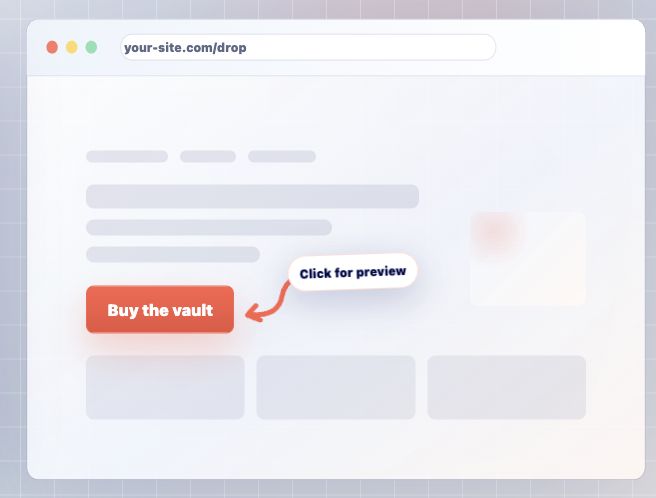
Open the checkout preview or embedded button
Use the preview or your published page to open the same modal buyers will see. Check the product name, price, discount field, and button styling while you are looking at it like a first-time buyer.
-
02
Review the delivery promise
The checkout should match what the buyer receives afterward. If the product has a file or license key, make sure those setup steps are complete before you send people to the page. For bundles, confirm each included product that should deliver a file or key is ready.
-
03
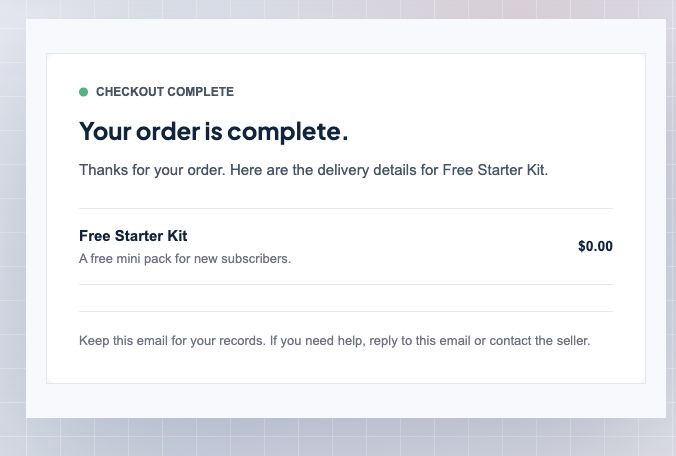
Check the delivery email preview
Use Account, then Emails to confirm the customer email matches the product. This is where you catch confusing delivery language before real buyers see it.
-
04
Fix friction before sharing the link
If anything feels unclear, adjust the product copy, checkout button, discount settings, email settings, or delivery setup. Small fixes here make the launch feel much smoother.
Good to know
- Avoid creating real card charges unless you intentionally want a real payment record.