
Set pricing and product details
Set the price and buyer-facing details in a way that makes checkout feel clear and trustworthy.
This is the part of setup where clarity matters more than cleverness. Buyers should immediately understand what they are getting, what it costs, and whether a discount code is available.
A good product page and a good checkout say the same thing. If your website promises a preset vault, template pack, plugin, course, or bundle, use the same language here so the buyer experience feels consistent.
Before you start
- Decide the launch price, if any.
- Write down the one-sentence promise of the product before editing.
- Decide whether this should be a single product or a bundle before creating it. The type cannot be changed later.
Set the details buyers rely on
-
01
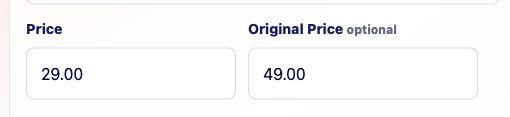
Set the live price
Enter the price buyers should pay now. Use 0.00 when the product is a free download, lead magnet, sample pack, or subscriber gift. If the product is paid, you can still finish setup before connecting Stripe.
-
02
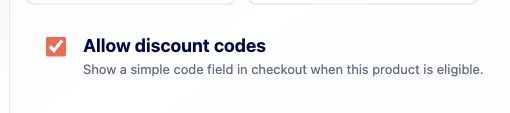
Decide whether discounts apply
Turn on discount codes only if this product should accept coupons. Leaving it off is perfectly fine for products where the listed price should always be the final price.
-
03
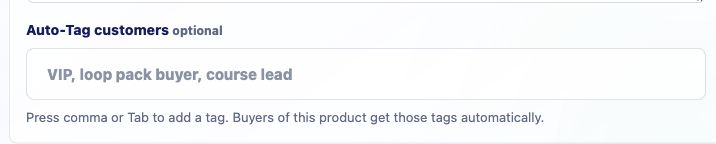
Use tags for your own organization
Tags are for you, not the buyer. Use simple labels like course, plugin, template, preset, bundle, launch, or wholesale so filtering and exports make more sense later.
Good to know
- The product title, price, and description can appear in checkout, delivery email, analytics, and exports.