
Manage account settings
Keep the profile and login details for your merchant account up to date.
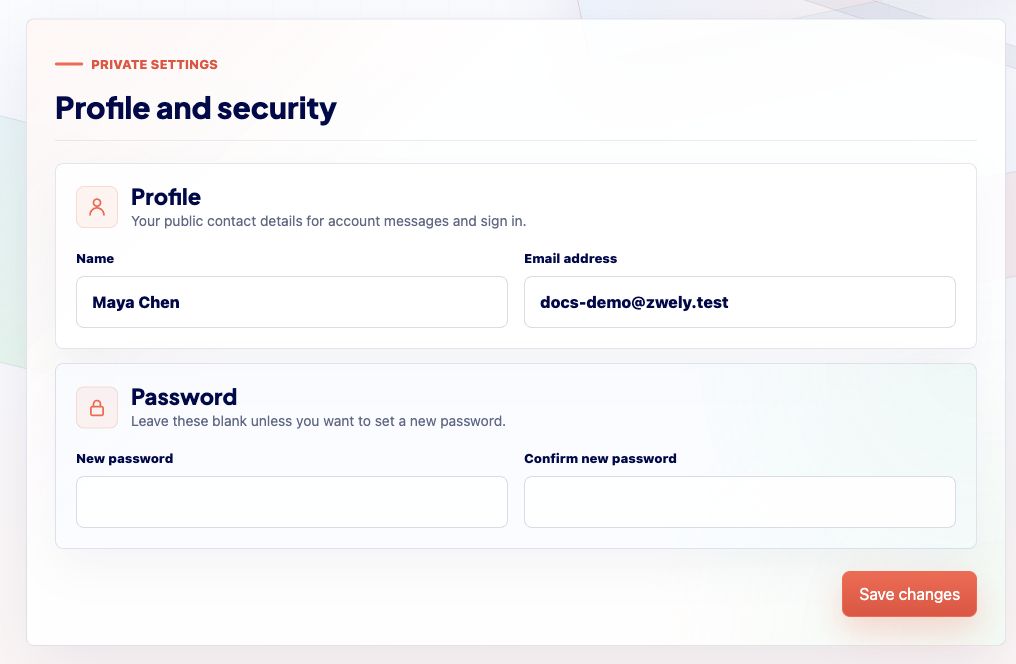
Account settings are intentionally narrow. This page is about the identity and email address you use for your Zwely account, not buyer delivery email branding or product details.
If you are looking for customer email branding, reply-to address, or download limits, use Account, then Emails instead.
Before you start
- Use an email address you can reliably access.
Update account details
-
01
Open Account, then Manage Account
Manage Account is at the bottom of the Account dropdown so daily operational tools stay higher in the menu.
-
02
Update profile details carefully
Your account email is important for login, password resets, and account communication. Do not change it to an inbox you cannot access.
-
03
Use email settings for buyer replies
Reply-to name and reply-to email for customer delivery emails live under Account, then Emails, not on the account profile form.
Good to know
- Changing account settings does not change existing order records.