
Validate license keys from your app
Let your software confirm that a license key is real, assigned, and valid for the right product.
License validation is for products where the thing you sell needs to check entitlement later, such as a desktop app, plugin, or downloadable tool. Instead of asking you to run your own license server from scratch, Zwely gives you validation endpoints tied to your product and checkout data.
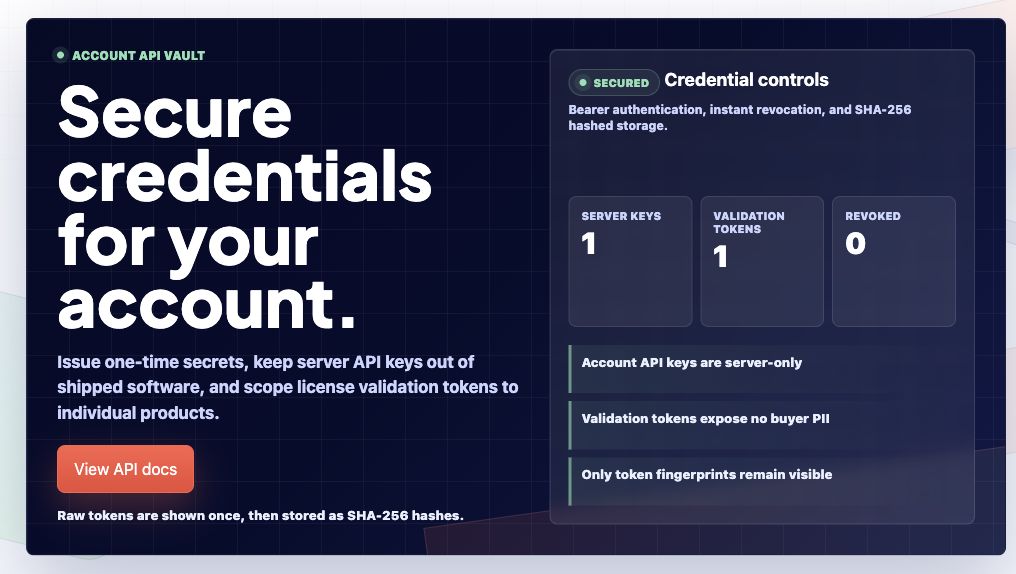
There are two credential types: full account API keys for trusted servers, and product-scoped validation tokens for safer license checks from software. Use the narrowest credential that fits the job.
Before you start
- Create a product that uses license keys.
- Add or generate license inventory for that product.
Set up validation
-
01
Open Account, then API Keys
This page separates full server-side account keys from product-scoped license validation tokens.
-
02
Create a validation token for one product
Validation tokens start with zvl_ and are tied to one product. Use them for client-side or app activation checks where a full account API key would be too powerful.
-
03
Call the public validation endpoint
Send the license key, and optionally the customer email, to the product-scoped validation endpoint. A valid result means the key belongs to that product, was assigned through checkout, and is not tied to a failed or refunded order.
-
04
Use account API keys only on servers
Server-to-server validation can return richer customer and order context. Never embed zwy_ account keys in shipped software, public JavaScript, or mobile apps.
Good to know
- The API reference includes request examples, response fields, error statuses, and rate limits for validation.