
Create discount codes
Create simple, controlled offers for launches, partners, limited promos, or customer support.
Discount codes are useful when they are intentional. A launch code can help urgency, a partner code can track a campaign, and a support code can make a customer situation easier.
Before you create a code, decide who should use it, what it should apply to, and when it should stop working. That keeps promotions clean and avoids surprises later.
Before you start
- Decide whether the code should be product-specific or account-wide.
- Enable discount codes on each product that should accept coupons.
Set up the offer
-
01
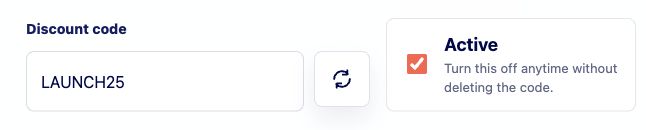
Name the code and set it active
Use a code buyers can type without confusion. Short, readable codes are easier to share and easier to troubleshoot in support conversations.
-
02
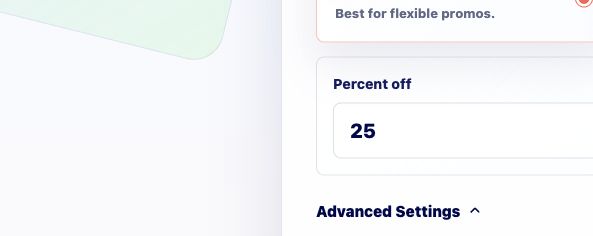
Choose the discount type and amount
Use percent discounts for simple launch promos. Use a fixed amount when the offer should subtract a specific dollar value from the checkout total.
-
03
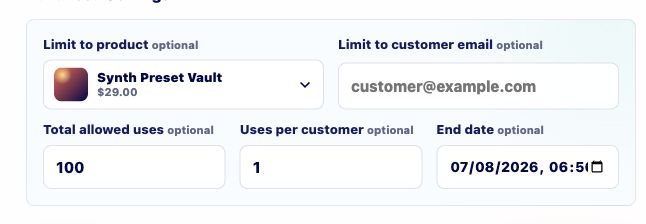
Add limits when the campaign needs them
Use product restrictions, redemption limits, customer email limits, or dates when a code should only work for a specific product, launch window, or audience.
-
04
Test the code in checkout
Open checkout and enter the code before sharing it publicly. You should see the exact discount you expect and no discount where it should not apply.
Good to know
- Clear discount names make analytics, support, and campaign cleanup easier later.